Typing is an essential digital skill for students, professionals, gamers, content creators, and business owners. Stylish typing combines fast typing, accurate keystrokes, and visually attractive text styles to improve communication across websites, social media, messaging apps, and documents.
Whether you want to increase your typing speed, create stylish fonts, or enhance your online presence, this guide explains everything you need to know.
What Is Stylish Typing?
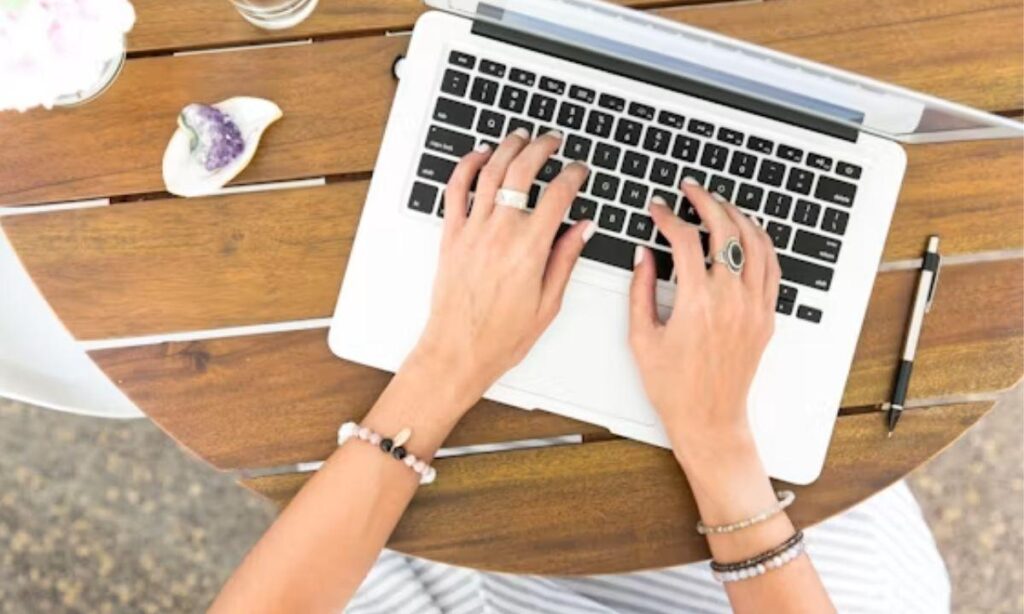
Stylish typing is the practice of typing efficiently while also using creative text styles, symbols, Unicode characters, and decorative fonts to make written content more attractive.
It combines three important elements:
- Fast typing speed
- High typing accuracy
- Creative text formatting
Many people use stylish typing for:
- Social media bios
- Instagram captions
- Facebook posts
- Discord usernames
- Gaming profiles
- WhatsApp status
- TikTok descriptions
- YouTube channel names
- Digital branding
Stylish typing improves both readability and visual appeal when used appropriately.
Why Is Typing an Important Skill?
Typing saves time and increases productivity. People who type quickly complete work faster and make fewer mistakes.
Benefits of strong typing skills include:
- Faster communication
- Better workplace productivity
- Improved academic performance
- Easier content creation
- Reduced hand movement
- Increased confidence during computer work
- Better multitasking ability
Many employers consider typing an essential workplace skill because computers are used in almost every profession.
What Is a Good Typing Speed?
Typing speed is measured in Words Per Minute (WPM).
| Typing Level | Words Per Minute |
| Beginner | 20–30 WPM |
| Average | 35–45 WPM |
| Good | 50–70 WPM |
| Advanced | 70–90 WPM |
| Professional | 90+ WPM |
Accuracy is equally important. Maintaining 95–100% accuracy produces better results than typing quickly with frequent mistakes.
How to Improve Your Typing Speed
Improving typing speed requires consistent practice and proper technique.
Learn Proper Finger Placement
Place your fingers on the home row keys:
- Left hand: A, S, D, F
- Right hand: J, K, L, ;
This position reduces unnecessary hand movement.
Practice Every Day
Spend 15–30 minutes practicing typing exercises.
Daily practice strengthens muscle memory and increases speed naturally.
Focus on Accuracy First
Typing accurately creates a strong foundation. Speed improves over time through repetition.
Avoid Looking at the Keyboard
Touch typing allows users to type without watching the keyboard.
This skill improves speed, confidence, and productivity.
Use Online Typing Tests
Typing websites help measure:
- WPM
- Accuracy
- Error rate
- Progress over time
Tracking performance helps identify areas for improvement.
What Is Touch Typing?
Touch typing is the ability to type without looking at the keyboard.
Instead of searching for keys, each finger controls specific letters through muscle memory.
Advantages include:
- Faster typing
- Better concentration
- Reduced typing fatigue
- Higher productivity
- Improved workflow
Touch typing is widely taught in schools and workplaces because it increases efficiency.
What Makes Typing Stylish?
Stylish typing uses decorative Unicode characters and creative formatting to transform ordinary text into visually distinctive designs.
Examples include:
Normal text:
Typing is fun
Stylish versions:
- 𝓣𝔂𝓹𝓲𝓷𝓰 𝓲𝓼 𝓯𝓾𝓷
- 𝕋𝕪𝕡𝕚𝕟𝕘 𝕚𝕤 𝕗𝕦𝕟
- 𝐓𝐲𝐩𝐢𝐧𝐠 𝐢𝐬 𝐟𝐮𝐧
- 🆃🆈🅿🅸🅽🅶 🅸🆂 🅵🆄🅽
- T Y P I N G
Many font generator tools create these styles using Unicode characters rather than traditional fonts.
Where Can You Use Stylish Typing?
Stylish typing works on many online platforms.
Popular uses include:
- Instagram bios
- Facebook profiles
- X (formerly Twitter) posts
- TikTok usernames
- Discord servers
- YouTube channel descriptions
- Twitch profiles
- WhatsApp messages
- Telegram chats
- Gaming nicknames
Some platforms support most Unicode characters, while others display only standard text.
Best Tips for Stylish Typing
Use stylish text thoughtfully.
Follow these recommendations:
- Keep text readable.
- Use decorative fonts sparingly.
- Avoid excessive symbols.
- Maintain professional formatting for work documents.
- Match the style to your audience.
- Test compatibility before publishing.
Simple styling often creates a stronger visual impact than excessive decoration.
Common Typing Mistakes to Avoid
Many users develop habits that reduce typing efficiency.
Common mistakes include:
- Looking at the keyboard constantly
- Using only two fingers
- Ignoring typing posture
- Sitting too close to the monitor
- Pressing keys too hard
- Skipping practice sessions
- Prioritizing speed over accuracy
Correcting these habits improves both comfort and performance.
How to Maintain Proper Typing Posture
Good posture reduces strain during long typing sessions.
Maintain these habits:
- Sit upright.
- Keep feet flat on the floor.
- Relax your shoulders.
- Keep wrists straight.
- Position the monitor at eye level.
- Keep elbows at approximately 90 degrees.
- Take short breaks every 30–60 minutes.
Ergonomic posture supports long-term comfort and reduces the risk of repetitive strain injuries.
Useful Tools for Typing Practice
Many online resources help users improve typing skills.
Popular categories include:
- Typing speed tests
- Keyboard practice software
- Touch typing lessons
- Typing games
- Accuracy trainers
- Keyboard shortcut tutorials
These tools provide real-time feedback, helping users monitor improvement consistently.
Read more Number Font Generator 𝟏𝟐𝟑 – Fancy Copy & Paste Fonts
How Stylish Typing Helps Personal Branding
Stylish typing can make online profiles more recognizable when used appropriately.
Creative text formatting can help:
- Highlight usernames
- Improve profile appearance
- Create memorable bios
- Support brand identity
- Increase visual engagement
For businesses and professionals, moderation is important. Clear, readable text builds trust and improves accessibility.
Typing Tips for Students
Students benefit from strong typing skills throughout their education.
Helpful strategies include:
- Practice before assignments.
- Learn keyboard shortcuts.
- Use touch typing techniques.
- Maintain consistent posture.
- Review mistakes after practice sessions.
Improved typing saves time during essays, research projects, and online examinations.
Typing Tips for Professionals
Professionals often spend several hours each day using a keyboard.
Effective habits include:
- Master keyboard shortcuts.
- Use ergonomic equipment.
- Take regular stretching breaks.
- Practice accuracy daily.
- Organize your workspace.
These habits improve efficiency while reducing physical fatigue.
Can Stylish Typing Improve Social Media Engagement?
Stylish typing can attract attention when used appropriately.
Creative text formatting helps highlight:
- Headlines
- Usernames
- Short quotes
- Profile bios
- Promotional posts
Readability should remain the priority. Overusing decorative characters can reduce accessibility and make content harder to understand.
Frequently Asked Questions
1. What is stylish typing?
Stylish typing combines fast, accurate keyboard skills with decorative Unicode text styles to create visually appealing content for social media, messaging apps, gaming profiles, and digital branding while maintaining readability.
2. How can I improve my typing speed?
Practice daily, learn touch typing, maintain proper finger placement, prioritize accuracy, avoid looking at the keyboard, and regularly take typing tests to measure progress and identify improvement areas.
3. Is stylish typing supported on every platform?
Most major platforms support many Unicode characters, but compatibility varies. Test stylish text before publishing because some websites or applications may display unsupported characters incorrectly.
4. What is a good typing speed for beginners?
A beginner typically types between 20 and 30 words per minute. Consistent daily practice, correct posture, and touch typing techniques gradually improve both speed and typing accuracy.
5. Why is typing accuracy more important than speed?
Accurate typing reduces corrections, saves time, improves productivity, and creates professional communication. Building accuracy first naturally leads to faster typing through consistent practice and stronger muscle memory.
Final Thoughts
Typing is more than just pressing keys — it’s a skill that shapes how you communicate, work, and express yourself every single day. Whether you’re chasing higher WPM scores, aiming for flawless accuracy, or simply want your Instagram bio to pop with stylish fonts, every bit of practice brings you closer to typing with confidence and flair. The best part? You don’t need to choose between speed and style — with the right habits and a little creativity, you can master both!
So go ahead, start practicing those home row keys, sit up straight, and don’t be afraid to sprinkle in some 𝓼𝓽𝔂𝓵𝓲𝓼𝓱 𝓽𝓮𝔁𝓽 to make your profiles stand out. Small, consistent efforts today will turn you into a faster, sharper, and more stylish typist tomorrow. Happy typing! ⚡✨

Barbie | Expert on tool sites delivering fast, high-quality services with top performance, creativity, and professional results clients trust every time.