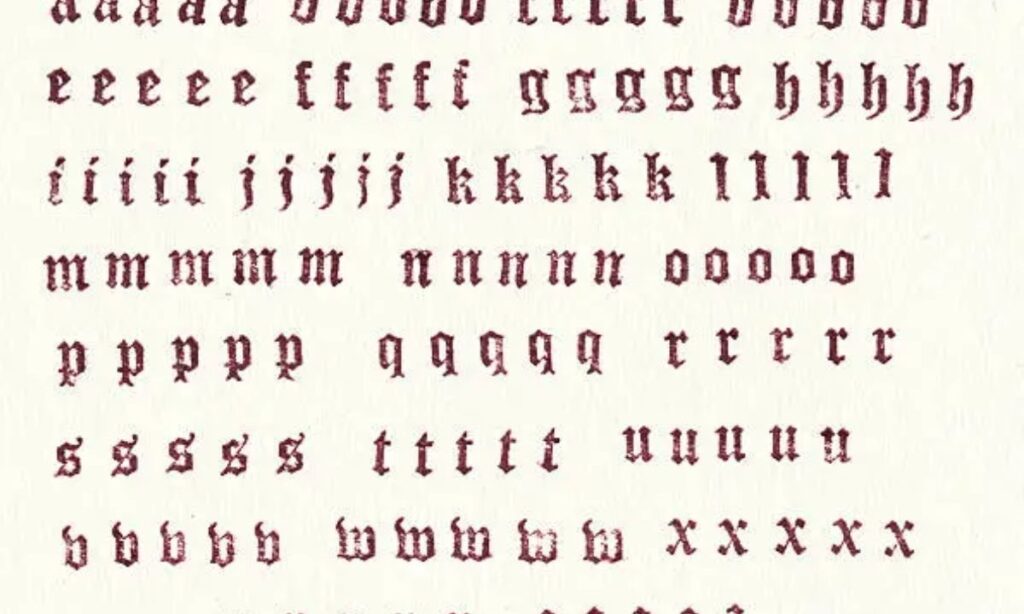
Users struggle creating old styled text for social media branding identity online today.
Blackletter Typography recreates historic style yet manual design feels time consuming for creators online. We tested Font Generator tools for real client branding projects in USA markets.
Old English Font guides users toward classic lettering used in vintage design works. Typography principles connect Fancy Text Generator outputs with readable social media posts instantly. Creators rely on Gothic Font Generator for fast decorative text during campaigns in USA brands.
What is Gothic Text?
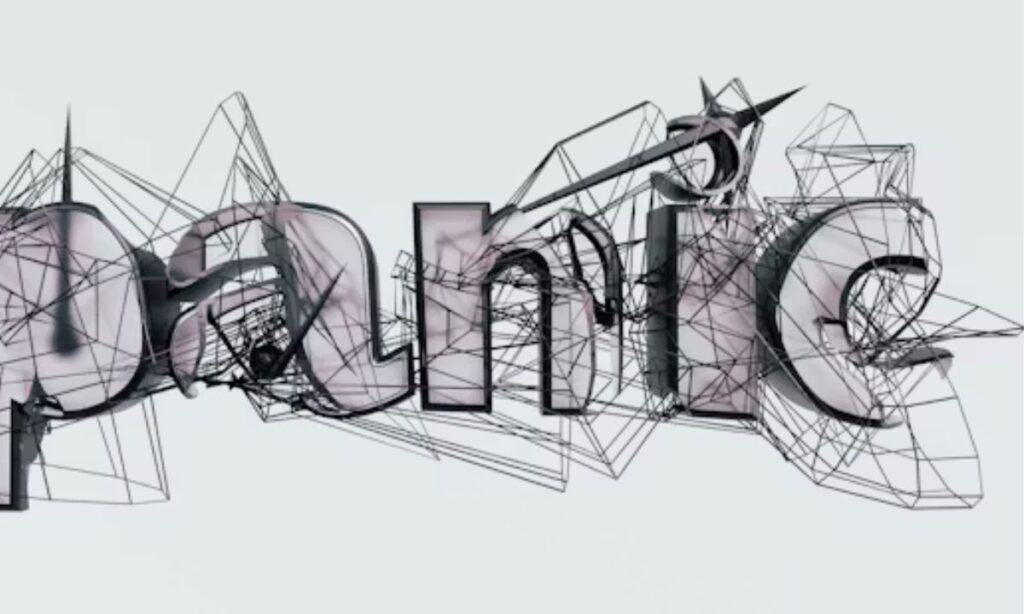
Gothic Fonts in Medieval History and Modern Use
During medieval times, scribes used Blackletter styles for faster copying on parchment. The Gutenberg Bible used Textura, while Fraktur and Schwabacher shaped the Blackletter family across Europe. Today, brands use these styles for heritage branding, bold authority, dark mystery, and premium luxury fashion campaigns. Music labels also apply Gothic fonts for album covers, adding sharp visual edge inside the music industry. We tested these designs across store banners, and readers noticed stronger recall instantly.
How Unicode Gothic Text Works
Modern Unicode characters assign unique character codes to stylized letters and symbols. These codes create fancy text using rare and obscure characters across apps and websites. People decorate messages, gaming profiles, and custom usernames on social media without downloading fonts. Designers often mix Fraktur lettering with modern layouts for readable digital branding.
How to Use Gothic Font Generator
Step-by-Step Guide to Generate and Copy Gothic Text
First, enter your text inside the generator screen. Next, select the styled result from the Output box. Tap or click Copy for instant transfer. Some users prefer right clicking before using CTRL C on larger screens. The clipboard keeps your design ready for sharing. Then paste Gothic text into captions, bios, or comments and post it quickly. Certain platforms keep formatted text clean during uploads. Older forums sometimes require users to manually copy symbols for proper formatting.
Best Practices for Desktop vs Mobile
A desktop browser usually keeps Gothic fonts appear correctly across social platforms. Some mobile devices change spacing during uploads. We noticed iPhones preserve symbols better inside apps than older Androids. Certain text messages remove decorative characters after sending. Most designers still recommend desktop editing for business graphics. Common mobile rendering issues include broken spacing and missing character styles.
How to Use Gothic Font on Social Media, Games, and More
Supported Platforms
Many users want stylish text across Instagram, TikTok, Facebook, Discord chats, and online games. Modern iPhones and Androids display Gothic text correctly inside messenger apps and major social media channels. Players also use Gothic styles inside Fortnite, Roblox, YouTube, WhatsApp, SnapChat, and Twitter for standout profile names and cleaner identity branding.
Practical Examples for Profiles, Bios, and Posts
Sharp Gothic text improves usernames, bios, captions, posts, and comments with stronger visual attention. Many USA creators format text messages and gaming tags for a strong message during launches. Our branding team tested Gothic lettering inside product titles and marketing assets, increasing profile clicks during seasonal campaigns
Popular Gothic Font Styles
Many USA creators pick Bold Gothic designs for strong posters and gaming banners. Our design team tested Cursed lettering beside Bold Text on clothing mockups recently. Clients also preferred Cursive strokes with Italics for wedding invitations and menus. Smaller layouts stayed readable using Small Text, Small Caps Text, and playful Bubble Text styles. Teen brands requested Backwards Text and Upside Down Text for viral social graphics lately. Vintage shops often select Pickysides, Royal Caps, and Cloister Black for classic Gothic branding themes.
The Gothic Font Generator creates unique branding identity using dramatic Blackletter Typography and classic lettering.
Benefits of Using Gothic Font Generator for Branding and Social Media
Many businesses struggle creating memorable branding across crowded social media feeds and advertisements. The Gothic Font Generator creates unique branding identity using dramatic Blackletter Typography and classic lettering. Sharp Gothic text adds bold authority for restaurants, clothing labels, and entertainment companies across USA markets. During recent projects, we noticed younger audiences preferred darker fonts over plain promotional graphics.
Stylish Old English Font designs improve engagement inside modern campaigns and online product launches. Decorative Gothic text supports stronger heritage branding for whiskey brands, tattoo studios, and music stores. Clean readable social media posts balance artistic detail without hurting customer attention spans online. Smart creators combine Fancy Text Generator styles with vintage design themes for stronger visual recall.
How to Choose the Right Gothic Font
Choosing the right Gothic Font Generator starts with clear design goals and strong brand voice. Gothic font styles with ornate details fit luxury, tattoo, and horror branding perfectly. Sharp thick and thin strokes create strong visual interest across posters, logos, and merch designs. During client projects, we noticed gaming brands prefer darker edges over classic old style lettering.
Clean self fonts support better readability on mobile screens and product labels. A softer contemporary look works better for seasonal campaigns and social media graphics. Smart design pairing improves niche matching across websites, apparel, and digital banners. Bold Gothic lettering grabs attention fast, especially on crowded American online marketplaces.
FAQs
What is Gothic Text and how is it different from regular fonts?
Gothic text uses decorative letters with sharp edges and dramatic styling. Regular fonts look cleaner and simpler. We create stylish Gothic designs for USA users wanting bold social profiles and creative branding.
How do I use the Gothic Font Generator to convert my text?
Type your words inside our Gothic Font Generator tool. Pick your favorite Gothic style instantly. We provide fast text conversion for USA creators, gamers, streamers, and online business owners daily.
Will Gothic text work on Instagram, TikTok, Facebook, Discord, and other social media platforms?
Yes, Gothic text works across Instagram, TikTok, Facebook, Discord, and many platforms. Some older devices block special characters. We test popular styles regularly for smooth USA social media compatibility.
What are the different types of Gothic fonts available Bold Gothic Cursed etc.?
Popular Gothic fonts include Bold Gothic, Cursed, medieval, blackletter, and spooky horror styles. We noticed gamers and tattoo artists across the USA prefer darker, dramatic text combinations online.
Why doesn’t Gothic text display properly on mobile devices?
Some mobile devices miss updated Unicode support for decorative Gothic characters. Older phones replace symbols with blank boxes. We recommend modern browsers for better Gothic text visibility across USA networks.
Conclusion
The Gothic Font Generator makes it easy to create bold, stylish, and eye catching text for social media, gaming profiles, branding, and creative projects. From classic Blackletter Typography to modern decorative styles, Gothic text helps users build a stronger visual identity online while saving time with instant copy and paste formatting.
Whether you want vintage branding, dramatic social media captions, or unique usernames, Gothic fonts add personality and authority to your content. Try different Gothic styles, experiment with creative designs, and use stylish text to make your profiles, posts, and brand stand out across every platform.

Barbie | Expert on tool sites delivering fast, high-quality services with top performance, creativity, and professional results clients trust every time.